
How to Search Cases by Name
Every Jackson County case search should begin at the Kansas Judicial Branch CaseSearch site. It holds whatever public district court information Kansas permits online. Pick Jackson County from the court menu when it appears. That step matters more than it sounds. Jackson belongs to the Second Judicial District alongside Jefferson, Pottawatomie, and Wabaunsee Counties, and skipping the county filter can hand you a near-identical name from the wrong court.
Spell the name exactly right, and pair it with a sensible filing-date range. A company involved in a case works fine as the search term too. Menus shift over time. Read whatever options the screen currently offers.
- Open CaseSearch and review its terms.
- Select Jackson County or the right district court context.
- Enter the full name and narrow by filing date or case type.
- Complete the human check and submit.
- Compare county, type, date, judge, and party role before opening a result.
| Field | Type | Use |
|---|---|---|
| Court | Dropdown | Choose Jackson County |
| Search Type | Dropdown | Use the live options |
| Search Term | Required text | Case number or name |
| Case Type | Dropdown | Narrow results |
| File Date | Date range | Limit by filing date |
| Human check | CAPTCHA | Complete before submit |
Jackson County CaseSearch Controls
The search screen offers several ways to narrow a Jackson County case lookup. You can pick the court, the case type, and a search type. Then type a name or number into the search term box. Extra filters cover date of birth and filing date. The Smart Search guide explains the rules. A record number or a name is required. It also walks through the advanced filters and the CAPTCHA step. A date range only filters by filing date. So it does not tell you when any later event happened.
For a look at the layout itself, the official CaseSearch interface shows every control in place.

Trust the live labels on that page over any filter list copied from an earlier version.
How to Search by Case Number
Nothing beats a full case number for a Jackson County case lookup. Jackson County joined eCourt on July 11, 2022. That date splits the numbering into two eras. Cases filed before the transition carry a year, a type code, and a six-digit sequence, like 2022-CR-000001. Newer Odyssey cases tack on a county prefix. The guide never prints Jackson's prefix. Copy it straight from court papers, a live result, or the clerk, and never guess.
At first, keep every hyphen, zero, and all six digits. Older documents show squashed-down versions. But they offer no proof the current portal accepts that format for Jackson County.
Jackson County Number Transition
Filing dates matter here. A Jackson County case started before the transition may carry a legacy number. It may also show thinner document coverage online. Matters filed later follow the county-prefix pattern laid out in the portal and kiosk update. If the exact number fails, retry the docket search with a party name. Add the filing year too.
Key point: Ask the district clerk for the Jackson prefix when the official number is not at hand.
Struck out on both? Call (785) 364-2191 and the clerk's staff can walk you through the case number. You can also bring your case details to the public terminal on the third floor at 400 New York Avenue in Holton.
What a Case Search Shows
A Jackson County result can lay out a lot at a glance. Expect the court, the case number, the case type, the filed date, and the judge. Parties and their roles appear, along with the status and the public register of events. Documents show up only when the online access level allows them. Remember that the register of action is just the ordered list of filings, settings, and rulings. It is not the full clerk file.
| Case number | Year, type, sequence, and prefix on newer cases |
|---|---|
| Court | The district court location |
| Case type | The category assigned by the court |
| Filed date | When the case entered court |
| Judge | The officer shown for that case |
| Register events | Public filings, settings, orders, or disposition lines |
| Documents | Only public items offered at that access level |
Portal terms say it plainly: this data is not the official court record. Use the docket to locate the case, then get an official copy from the clerk.
Jackson County No-Result Checks
A blank result does not mean no case exists. Check your spelling first. Then check the court, year, type, and number style. Court level comes next. A Holton police-court or city ordinance case sits with the municipal clerk, while a federal case belongs to the District of Kansas and PACER. Appeals may carry their own appellate number.
For district matters, head to the courthouse public terminal. Rule 22 requires terminals, and district records guidance notes they may expose more public information than remote access does. Ask the clerk about paper files or anything indexed but not downloadable.
Note: A missing result can stem from the wrong court, a legacy number, limited remote access, or a restricted case.
County vs Statewide Case Search
Jackson County runs no separate county district database. CaseSearch serves as the statewide public layer, while the district clerk and courthouse terminal form the local one. Each does its own job.
| Channel | Best use | Limit |
|---|---|---|
| CaseSearch | Remote name or number lookup | Internet-approved information only |
| Courthouse terminal | Broader public case access | In-person use |
| District clerk | Older files, copies, certification | Confirm fees and payment |
For copy requests, use the Jackson County Court Record Search.
Jackson County Guest Access
Guest access returns basic public information. The same screen offers ID.me sign-in for approved elevated users. Signing in opens no sealed doors. Juvenile, adoption, and other confidential records stay closed, because Kansas law, court rules, and orders still govern every record.
Do not mix up eFlex with search. The eFlex portal exists so authorized users can file court papers. Its login is not a public docket viewer. The official eFlex view tied to the Jackson County case lookup displays the filing login and the new-user route.

The division of labor is simple: eFlex handles filings, while CaseSearch is the public route for a Jackson County docket search. When court technology misbehaves, the Kansas court support site is the place to get help.

Tech support can fix a sign-in glitch. It cannot expand what records you may see, and it never stands in for the Jackson County clerk.
Restricted Cases and Access Rules
Two rules control what the public may see: Rule 22 and Rule 106B. They split access into three tiers. One is remote information. Another is courthouse terminal access. The third covers records kept fully nonpublic. Anything sealed by law, court order, or case law stays out of reach. Juvenile, adoption, expunged, and certain domestic records carry their own special limits. A public docket line never unlocks a protected filing.
So ask the clerk about access. Ask which portion is open to inspection. Ask what authority governs the withheld part. A case number alone grants no extra access. And a printed portal result is only a locator, not a certified copy.
Jackson County Filing System Divide
Each Jackson County tool has its own job. CaseSearch displays permitted information. eFlex accepts filings from authorized users. The courthouse terminal offers another public level. The clerk handles copies. Knowing those roles apart saves time when a login screen appears. The official eFlex vendor support route covers account and filing help. That help comes from the company behind the system.

The view reinforces that filing support is separate from public Jackson County case access.
Jackson County Clerk Follow-Up
A Jackson County case lookup may find the case but not the item you need. Then turn to the Clerk of the District Court. The office can help locate the public register of action, an indexed filing, an order, an older paper record, or a certified copy. Jackson County lists District Court hours from 8:00 a.m. to 4:00 p.m. on weekdays. You will find the court office on the third floor of the courthouse. The address is 400 New York Avenue in Holton. The listed phone is (785) 364-2191, and the listed fax is (785) 364-3804.
Give the clerk the full case number, the court, the document name, and a rough filing date. If only a name is known, add a year and case type when you can. Say whether you want to inspect, get a plain copy, or obtain certification. That distinction lets the clerk pick the right service and current charge. No Jackson-specific copy or certification price is published. So confirm the amount and accepted payment before sending funds.
Email and fax details appear in official Second Judicial District testimony. But confirm submission and payment methods before a request goes out. A concise request should also note one more thing. Say whether the case predates the 2022 eCourt transition, since older matters may need paper-file retrieval.
Jackson County Search Interfaces
The CaseSearch application presents the guest terms and public search entry.
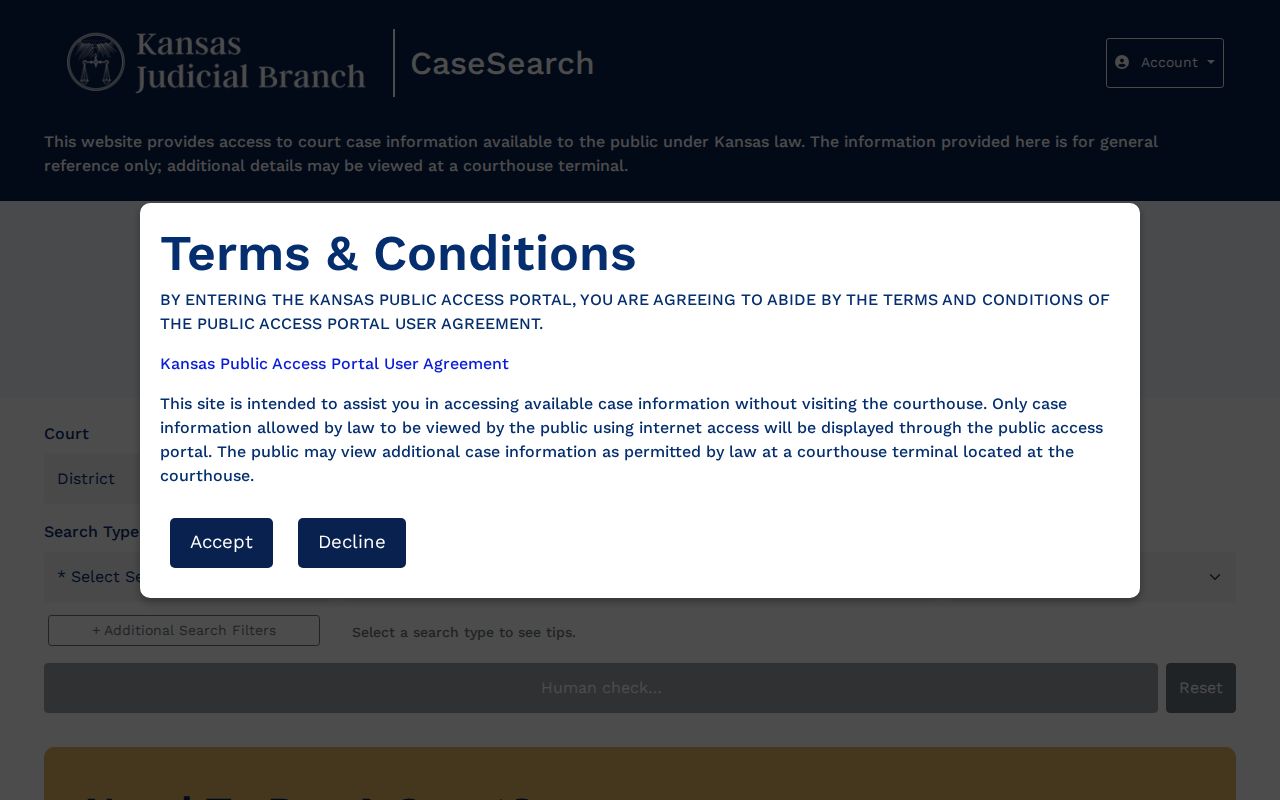
The interface states its own terms plainly: it is a search aid, and users must follow its access rules. Registered filers work in the separate Kansas eFlex portal, which that page describes for filing use.
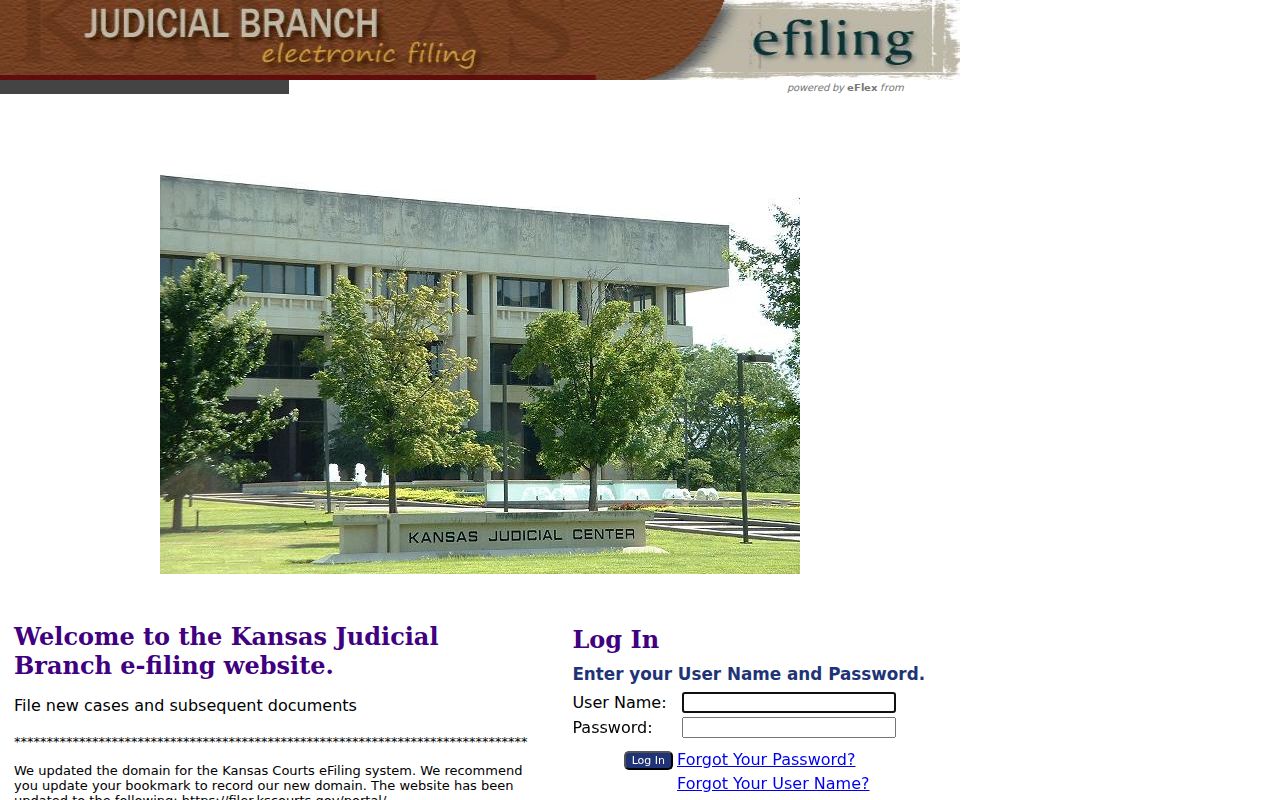
eFlex handles filings; it is not the public Jackson County case lookup. For court technology problems, the judiciary's help route is the Kansas court support site, which covers system issues and access help.
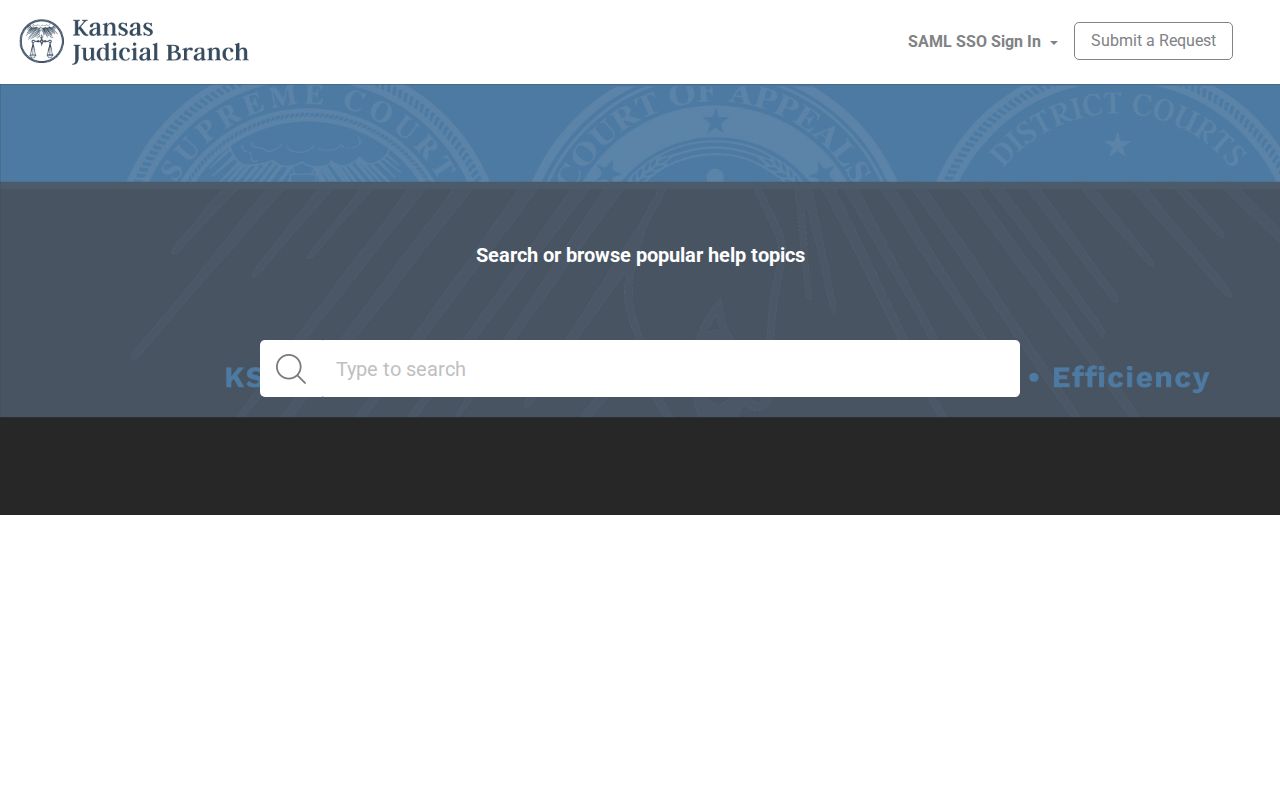
Support tackles system use, while the district clerk answers record-specific custody and copy questions. Filing-system help also lives on the vendor's own Tybera support page, separate from the courts.
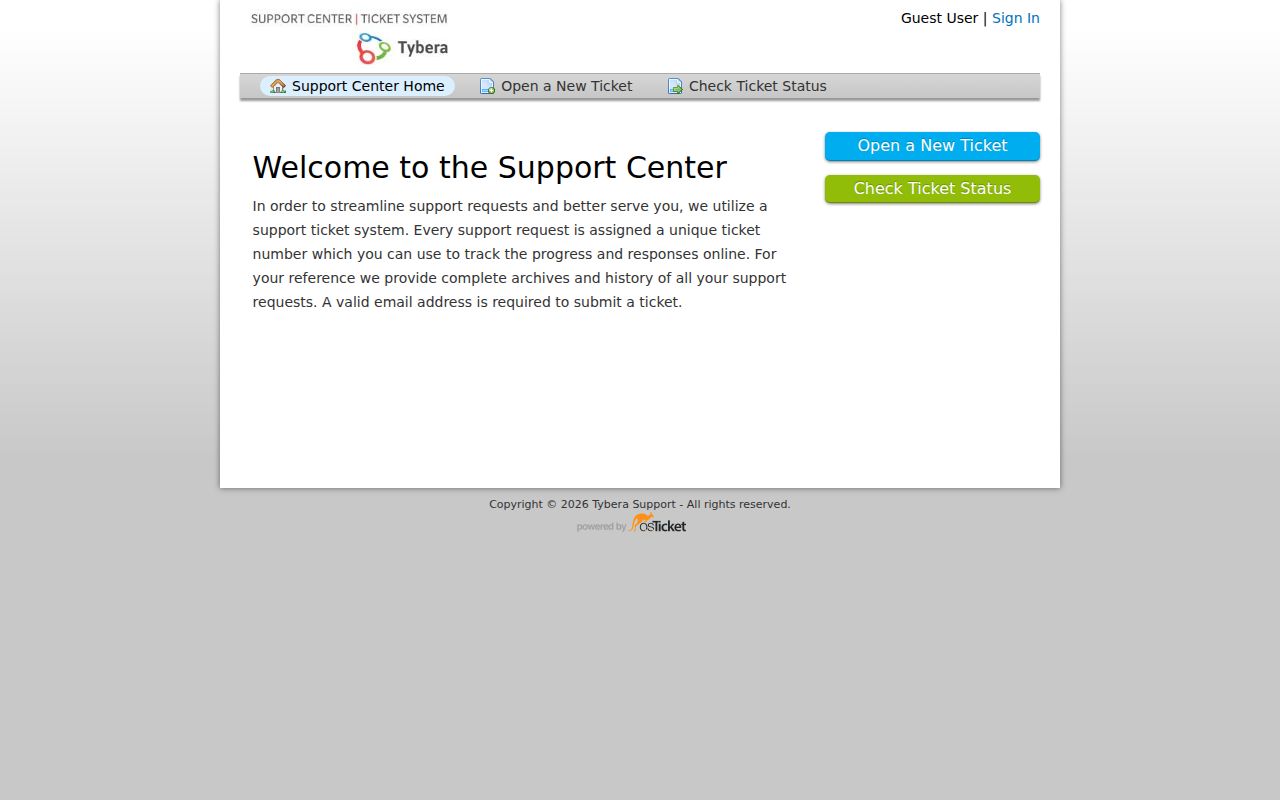
Treat that vendor route as filing support only. It should not replace CaseSearch or the Jackson County clerk for a public lookup of court records.